Choose a strong password
Use a unique password with 12–128 characters, uppercase and lowercase letters, numbers and symbols. We validate new passwords and check them against known data breaches without disclosing the full password. Change it in Account Center.
Account Center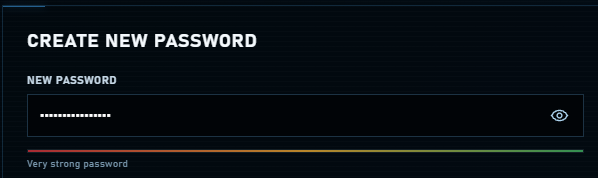
Two-factor authentication
Enable two-factor authentication (2FA) in Account Center. Signing in then requires a time-limited code from your authenticator app. Keep recovery details safe and never share a code.
Account Center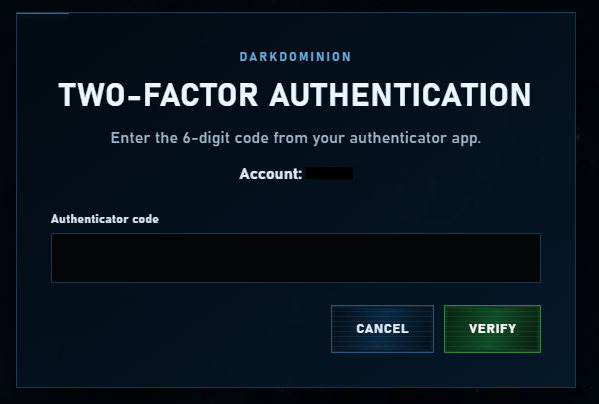
Official game launcher
Download the Windows launcher only from our Download page. It restricts navigation to approved game addresses and limits certain browser functions. Avoid unofficial clients advertised in chats or on other websites.
Download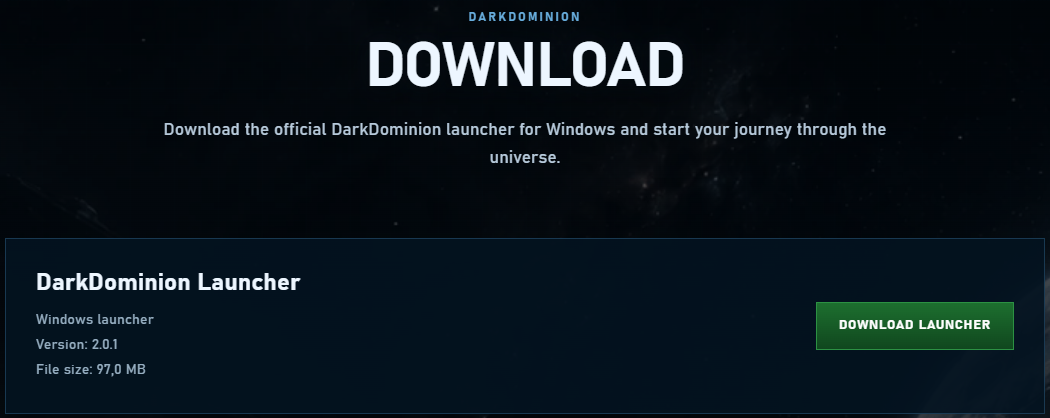
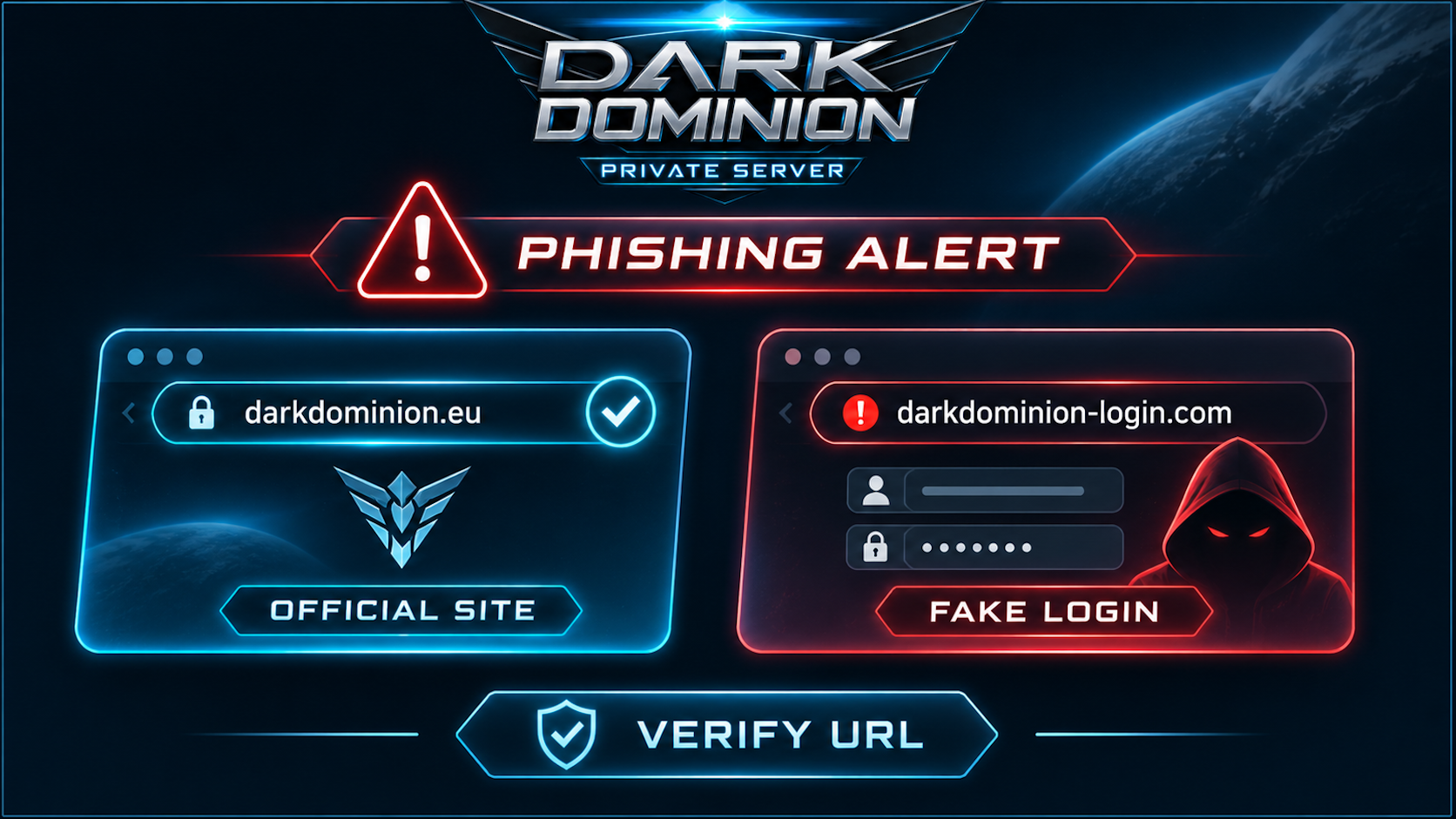
Watch out for phishing
DarkDominion will never ask for your password, 2FA code or email access through chat, Discord or support messages. Beware of fake giveaways, bonus codes and sign-in pages. Open darkdominion.eu yourself when in doubt.
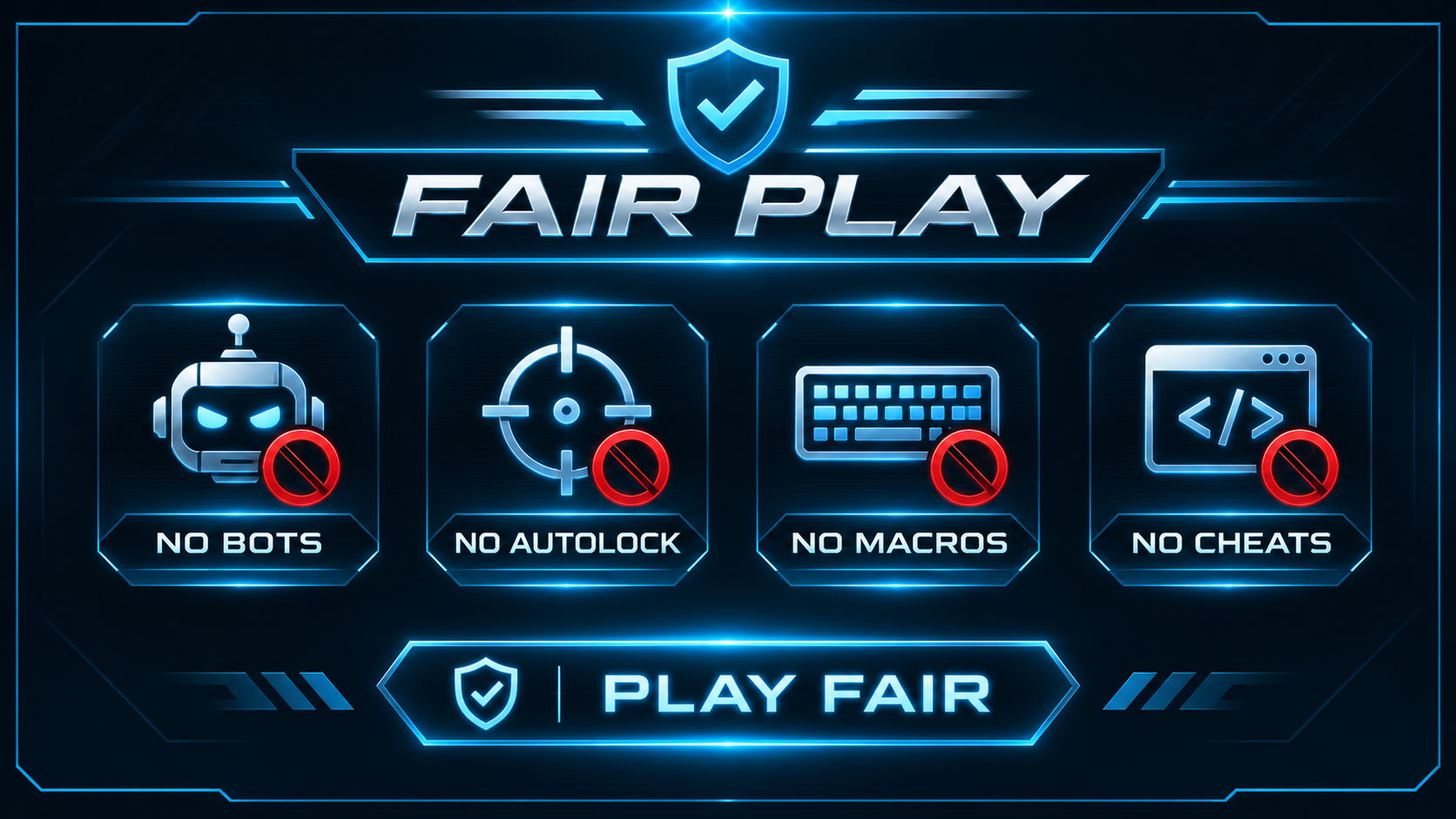
Fair play, no cheats
Bots, autolockers, macros and modified clients are prohibited. These rules protect fair competition. Report suspicious activity; technical detection methods are not disclosed publicly.
Never trade accounts
Sharing, selling or trading accounts is forbidden. Others can steal your items or access. Never hand over credentials, even to supposed helpers or clanmates.
Review account sessions
Account Center lets you review recent website logins and end other sessions. If something looks wrong, change your password, enable 2FA and contact Support.
Account Center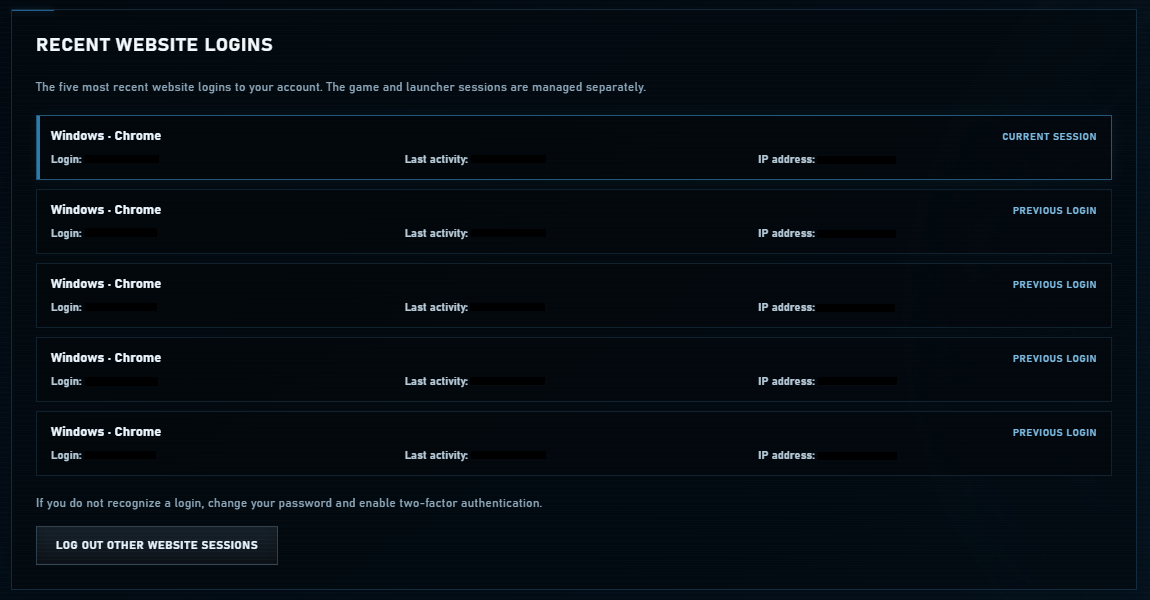
Noticed something suspicious?
Report suspicious messages, accounts or software through Support. Never share passwords or login codes.